What happened last week
TrekFreely was down from July 27 to August 1. The power failed at our primary hosting location and the battery backup didn't hold. When the power issues at the location were finally restored, a fault in one of the backup units kept our hosting servers from booting all the way up, which turned a short outage into a long one.
Everything was affected. The site, the resources, the Trip Portfolio, and the shared dashboards your emergency contacts rely on. A few trips were active when it went down and ended during the window, so check-ins and notifications on those trips didn't behave the way they should have. If you were on one of those trips, or waiting at home for one, we're sorry. We're providing a safety service, which means our users need to be able to depend on us when it matters, and we dropped the ball.
No user data was lost or exposed.
What we changed so this doesn't happen again:
- Redundant power distribution so a single failed backup unit can't take the whole rack down.
- A second hosting location in a different geographic region with fail-over, so an outage in one place doesn't mean an outage for you.
- Clearer internal policy for how we respond when something like this starts, so recovery doesn't wait on someone noticing.
The blog post on HAM radio in the backcountry got caught in this too. It was scheduled for July 27 and will now go out August 10 instead.
New on the blog
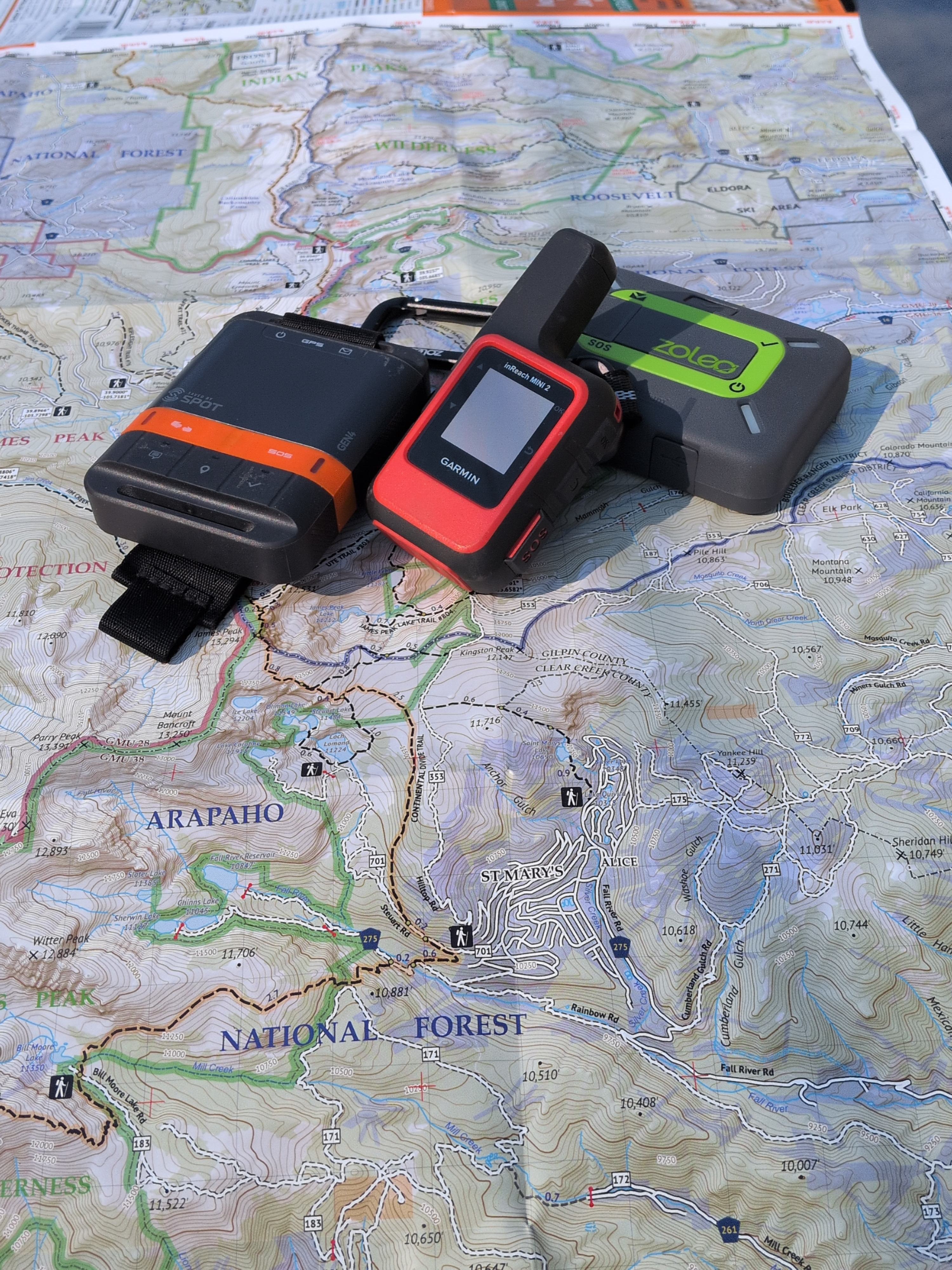
Before all that, we published Get One That Talks Back: Satellite Messengers and PLBs. It covers the range of satellite messenger devices out there, which ones are worth carrying for what kind of trip, and why a device that can send and receive is worth more than one that only shouts into the void.
See the dashboard for yourself
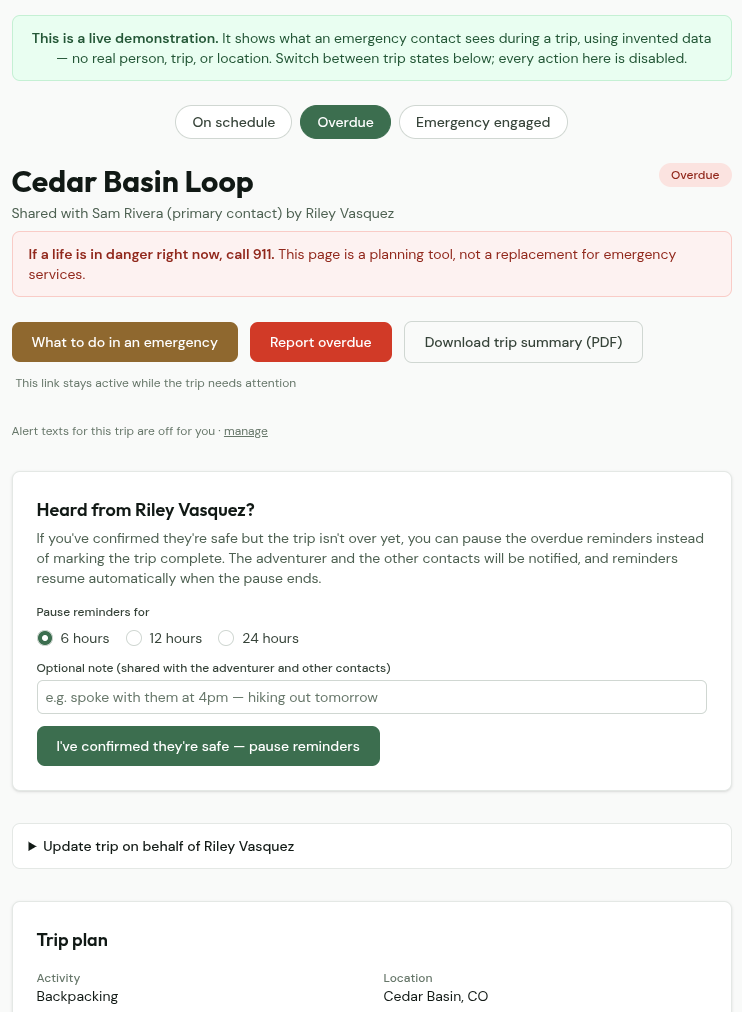
There's now a live demo of the trip dashboard you can open without an account, without setting up a trip, and without waiting for something to go wrong. It runs on invented trip data and it's read-only, so click anything you want.
The useful part is the state toggle. You can flip the same trip between on schedule, overdue, and emergency engaged and see exactly what changes. Most people never see the second two until the day they need to, which is the worst possible time to be learning a new screen.
Garmin watch vitals, if you want them
This one is off by default and stays off until you turn it on for a specific trip. That's deliberate. Vitals are personal, and whether your contacts see them should be your call, made per trip, not a setting you flipped once and forgot about.
If you do turn it on: install the free TrekFreely app from the Garmin Connect IQ store, pair it with your account, and check the box on the trip you want it for. Your latest heart rate, blood oxygen, elevation, and step count show up on your contacts' dashboard while the trip is running. Location tells your contacts where you are. This tells them how you're doing.
On the privacy side, only your newest readings are ever shown. Nothing is kept as a history, nothing is written to our database, and nothing goes into our logs. When a trip ends, there's no biometric record of it on our side to speak of.
All Garmin smart watches are supported. More brands are on the roadmap.
On the horizon
What we're working on next:
- The TrekFreely mobile app is in closed beta testing. Still internal for now, but it's real and it's moving.
- Support for trips outside the US is in the works. Right now the county and sheriff lookups only resolve inside the United States, which limits how useful the emergency action plan is abroad.
- Video walkthroughs on YouTube. The channel is live at @TrekFreelyOrg and the first videos are coming.
We'll mention each of these here when they become available.
A note from the founder
Last week wasn't a good week. Building a safety tool means the thing has to be there when someone needs it, and for five days it wasn't. The redundancy work above isn't something we had planned for August. It moved to the front of the line because it needed to.
If TrekFreely has been useful to you, the most helpful thing you can do is still the same as last month. Mention it to the person you go out with, or the person who waits at home for you.
If you have something to share about what's here, what's missing, what works, or what doesn't, the contact form routes directly to me.
If you want to support the project, you can donate or visit our online shop. Everything we build stays free either way.
— Scott Taylor, TrekFreely